Chat transcripts hide structure
You can read what happened, but it is hard to see dependencies, branches, and open decisions at a glance.
Agent integration
OutThread gives agent output a durable shape. Instead of burying plans and decisions in chat logs, agents can push structured work into an editable mind map that people can inspect, revise, and continue.
Sign in takes you straight into the app so you can try this workflow in a real OutThread workspace.
API-first
Integration model
Built for agent-to-app workflows.
Live map
Shared artifact
Edits stay visible as work evolves.
Node chat
Context depth
Conversations stay attached to the right branch.
Agent workspace screenshot
This hero screenshot shows the real OutThread workspace for the agent-integration story: a structured project map with visible branches, next steps, and a subtle import cue.
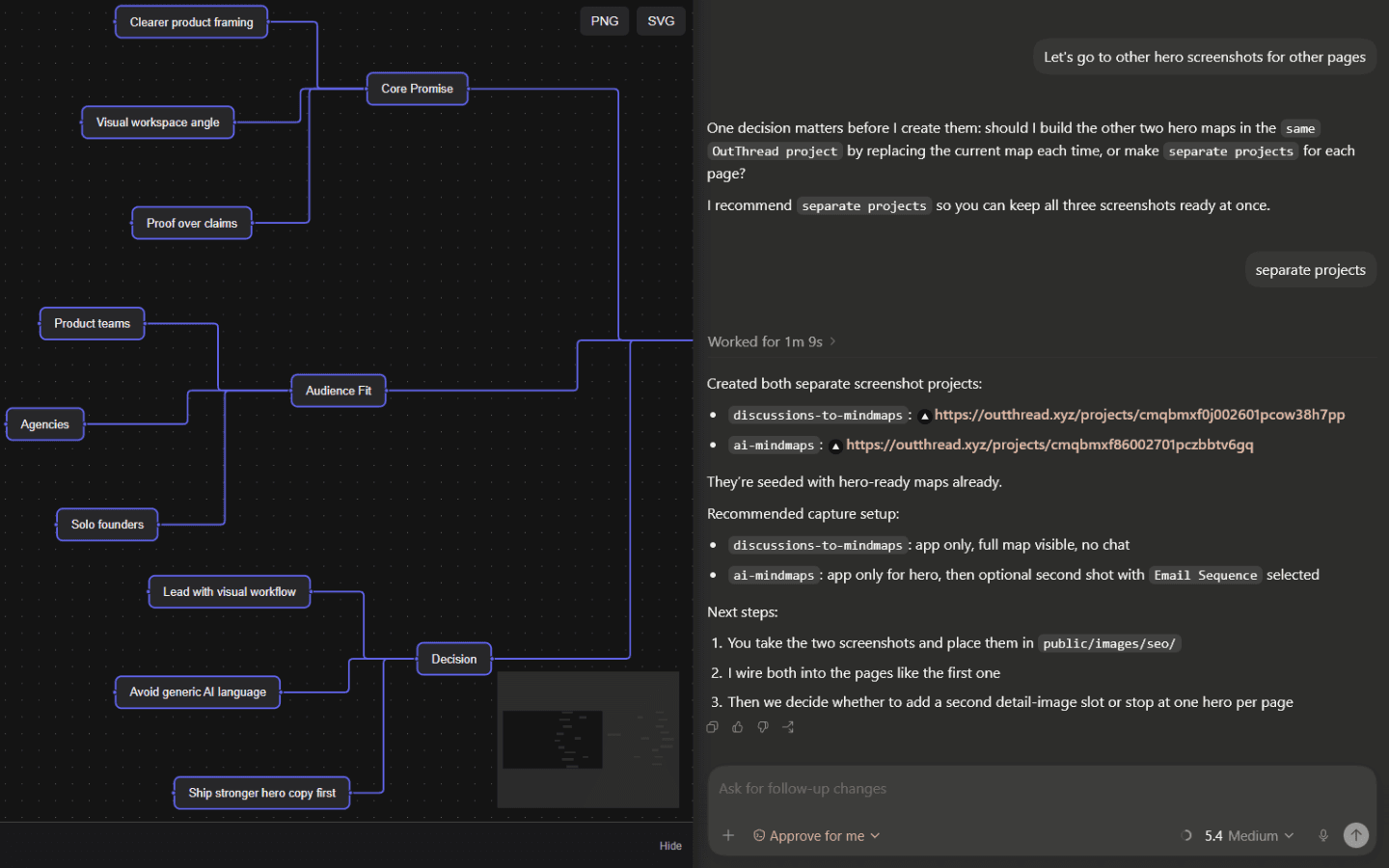
Agent output becomes editable project branches instead of a dead-end transcript.
Status and next steps stay visible across the whole map.
The workspace keeps humans and automated flows aligned on one artifact.
Problem and solution
Most agent workflows produce long transcripts. They are useful in the moment, but weak as a working surface when a team needs to audit progress, rearrange work, or take over manually.
You can read what happened, but it is hard to see dependencies, branches, and open decisions at a glance.
People often need the agent to summarize itself again because the current state of the work is not visible enough.
When plans live as plain text, restructuring them means copying, rewriting, and losing context.
Workflow
This page now focuses on the practical flow teams search for when they need an AI agent integration that stays understandable.
Use the existing OutThread bridge approach to send structured updates from an agent into a project map.
Plans, subproblems, and follow-ups become nodes that a human can scan in seconds instead of rereading a transcript.
People can edit the map, inspect node-level conversations, and keep the project moving without losing the agent's context.
Benefits
This page now targets the search intent behind tools for connecting AI agents to something more useful than raw text output.
The current plan is easy to inspect because structure lives in the UI, not only in conversation history.
Nodes become the shared format between automated work and manual review.
Node chat keeps follow-up discussion anchored to the exact branch being refined.
Design, product, and engineering can discuss the same live artifact instead of forwarding summaries around.
FAQ
These answers sharpen intent coverage while keeping the page useful for real readers.
No. OutThread is the visual workspace around the work. It helps teams receive, inspect, and refine agent output inside an editable map.
Yes. The point is to turn generated output into a living structure that people can reorganize, expand, and correct.
A map makes branches, priorities, and dependencies obvious. That is much closer to how teams reason about active projects.
Related use cases
Final CTA
Sign in to open a shared OutThread workspace where agent output stays editable, inspectable, and ready for human follow-up.